2026 · The web, Android and Windows apps
Smart Socket
A wall socket that stops charging a device once its battery is full, monitored and controlled from web, Android and Windows apps over Bluetooth.
- TypeScript
- React
- Web Bluetooth
- Kotlin
- Jetpack Compose
- C#
- WPF
Context
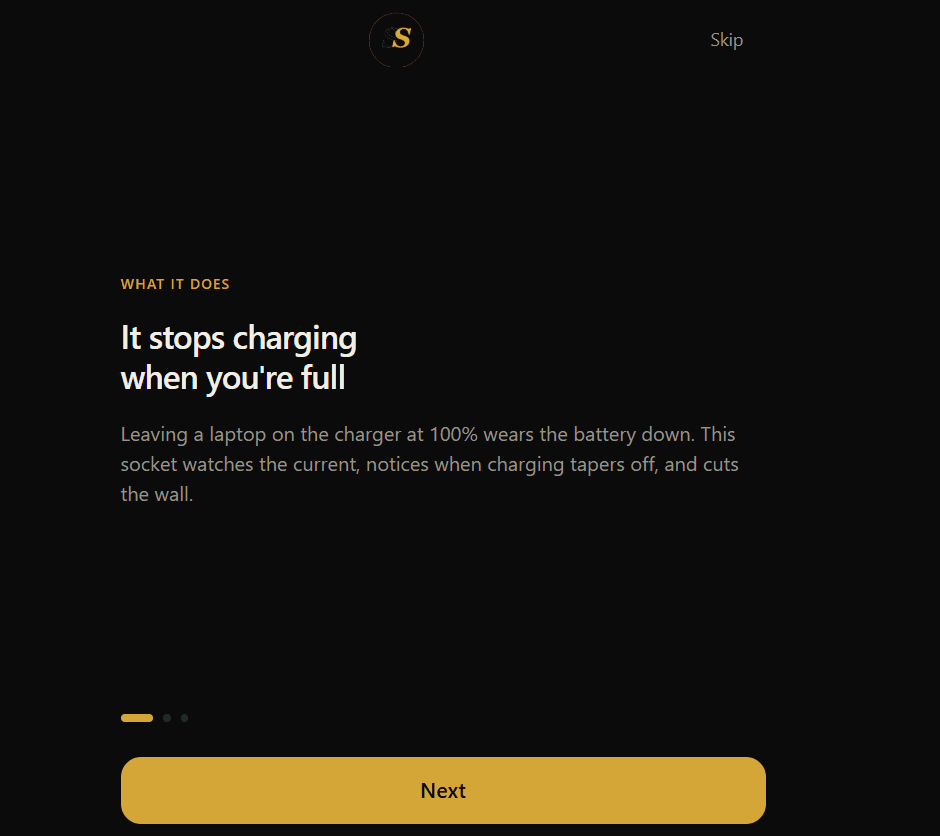
The Smart Socket is a wall socket that stops charging a device once its battery is full, so the battery is never kept topped up and lasts longer. It is built around an Arduino Uno with a current sensor and a relay, and it runs on real 230 V mains power. On test, it watched a laptop charge, noticed the charging current tapering off near full, and cut the power.
You can watch and control the socket from an app on your phone, your computer or the web. The apps talk to it over Bluetooth, showing its readings and switching it on and off remotely.
My role
This was a team project with ten people, and real-time embedded systems were new to me. I built the apps that talk to the socket: the Android app, the Windows app and the web app, including their Bluetooth connection to it. Later I polished all three so they share the same screens, wording and behaviour, using an AI coding assistant for that later work.
Teammates built the socket's hardware and firmware. I wrote much of the app code
on a teammate's computer, so many of those commits appear under his account in
the repository. The stack above lists only the app work, which is the same rule
every project on this site follows.
Key decisions
Simple, fast and working first. Embedded systems were new to me, so for the apps I aimed for screens that are simple, respond quickly and reliably do their job, rather than piling on features.
One app, three platforms. The web, Android and Windows apps share the same logic, screens and wording, so the socket behaves the same whichever one you pick up. The web app reuses the phone app's logic and reaches the socket through the browser's Web Bluetooth API, so it needs nothing installed.
A simulator for working without the hardware. Each app can run against a simulated socket, so the screens could be built, tested and shown without the real socket plugged in.
The hard part
The hardest part was getting the socket and the apps to talk to each other: reading the socket's measurements in the app, and switching the socket from the app. At first I did not know what was going wrong.
After troubleshooting with my teammates, we found the cause was in the wiring. The pins the components were connected to on the Arduino Uno had to match the pins the code expected exactly, and the app had to reach those same pins. Once the wiring, the code and the app agreed, the readings came through and remote control worked.
Outcome, and what I would do differently
It turned out well. The socket works on real mains power, and it can be watched and controlled from all three apps.
If I did it again, I would add animations to make the apps more enjoyable to use.